

Global Broker Regulation Inquiry App
About WikiFX
English
简体中文
繁體中文
English
Pусский
日本語
ภาษาไทย
Tiếng Việt
Bahasa Indonesia
Español
हिन्दी
Filippiiniläinen
Français
Deutsch
Português
Türkçe
한국어
العربية
اردو


Hankotrade Login: How to Access Your Account and Platform?

WikiFX
|


Abstract:Learn how to log into your Hankotrade account and access the platform. We cover the process of registration, login, and setting up two-factor authentication (2FA).
 Contents
How Do I Log into My Hankotrade Account?
Accessing your Hankotrade account is a straightforward process. After completing the registration, you can log into your account using your credentials. Here's a step-by-step breakdown of the process:
Step 1: Visit the Hankotrade website: Go to the official Hankotrade site to find the login button (https://login.hankotrade.com/), typically located at the top-right corner.
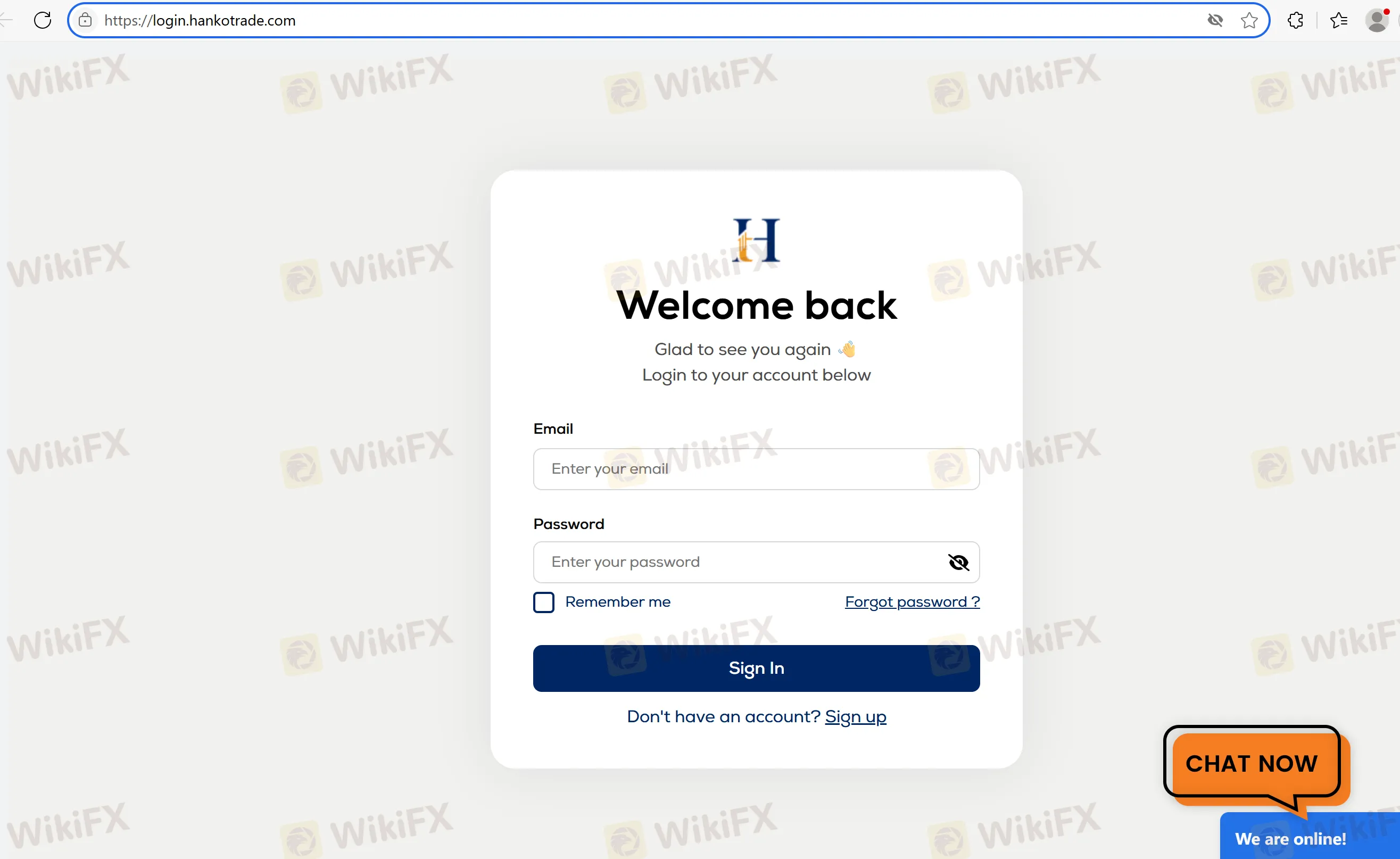
Step 2: Enter your credentials: Input your registered username and password in the designated fields.
Step 3: Secure your account: Enable Two-Factor Authentication (2FA) for an additional layer of security, either via SMS or an Authenticator app.
Platform Access: After logging in, you will have full access to the HankoX platform, which is the only platform provided by Hankotrade. The platform is web-based and does not require downloading an app.
Step-by-Step Guide to Hankotrade Account Registration
Step 1: Visit the Hankotrade website: Click on the “Open Free Account” button at the top-right corner of the page.
Step 2: Fill in personal information: Provide essential details such as your name, email, and phone number.
Step 3: Verify your email: A verification link will be sent to your email. Click on the link to verify your account.
Step 4: Submit KYC (Know Your Customer) documents: Upload proof of identity and address to complete the verification process.
Step 5: Set up Two-Factor Authentication (2FA): For added security, enable two-factor authentication (via SMS or an Authenticator app) when prompted.
Step 6: Deposit funds: Once your account is verified, make your first deposit and start trading.
FAQs about Hankotrade Login
- How do I log into my Hankotrade account?
Go to the Hankotrade website, enter your username and password in the login section.
- Does Hankotrade require two-factor authentication (2FA)?
Yes, Hankotrade offers two-factor authentication (2FA) to secure your account. You can enable it via SMS or through an Authenticator app.
- How long does it take to get verified?
Verification typically takes a few hours to one business day, depending on the documents provided.
- What should I do if I forget my login details?
If you forget your username or password, you can use the “Forgot Username” or “Forgot Password” option on the login page to reset them.
- Can I access Hankotrade on my mobile device?
While Hankotrade does not have a dedicated mobile app, its platform, HankoX, is accessible on any web browser, including those on mobile devices.
Disclaimer:
The views in this article only represent the author's personal views, and do not constitute investment advice on this platform. This platform does not guarantee the accuracy, completeness and timeliness of the information in the article, and will not be liable for any loss caused by the use of or reliance on the information in the article.
WikiFX Broker
Latest News
Traders Home Review: Is Your Deposit Safe?
WikiFXDFSA warns of scam impersonating firm Menhir Capital
WikiFXWhy Multi-Strategy Diversification Does Not Eliminate Risk
WikiFXUS Dollar Sinks As Yields Drop
WikiFXWhy Fake Screenshots Make You Feel Like a Losing Trader
WikiFXXORKETS FX Review 2026: Withdrawal Demands and Unregulated Risks
WikiFXWarren Bowie & Smith Review 2026: 1.23 Score Raises Red Flags as Withdrawal Complaints Grow
WikiFXAtom Group Wins DFSA Nod for DIFC Entry in Amaltas Deal
WikiFXSri Lanka to Criminalize Unauthorized Forex Transfers
WikiFXTPFx Review 2026: An A+++ Result and an Impersonation Warning - What to Check Before Funding
WikiFX