

Global Broker Regulation Inquiry App
About WikiFX
English
简体中文
繁體中文
English
Pусский
日本語
ภาษาไทย
Tiếng Việt
Bahasa Indonesia
Español
हिन्दी
Filippiiniläinen
Français
Deutsch
Português
Türkçe
한국어
العربية
اردو


OctaFX Login App and Account Access Made Simple

WikiFX
|


Abstract:Learn how to login to your OctaFX account and app. Follow simple steps for account setup, verification, and secure trading access.
How Can You Start Trading with OctaFX?
Getting started with OctaFX is quick and intuitive. You can register for a free account online or through the mobile app. No complex documentation is required upfront, and you can begin using the demo account immediately.
Step-by-Step: OctaFX Account Creation & Login
Step 1: Visit www.octafx.com or download the OctaFX mobile app.
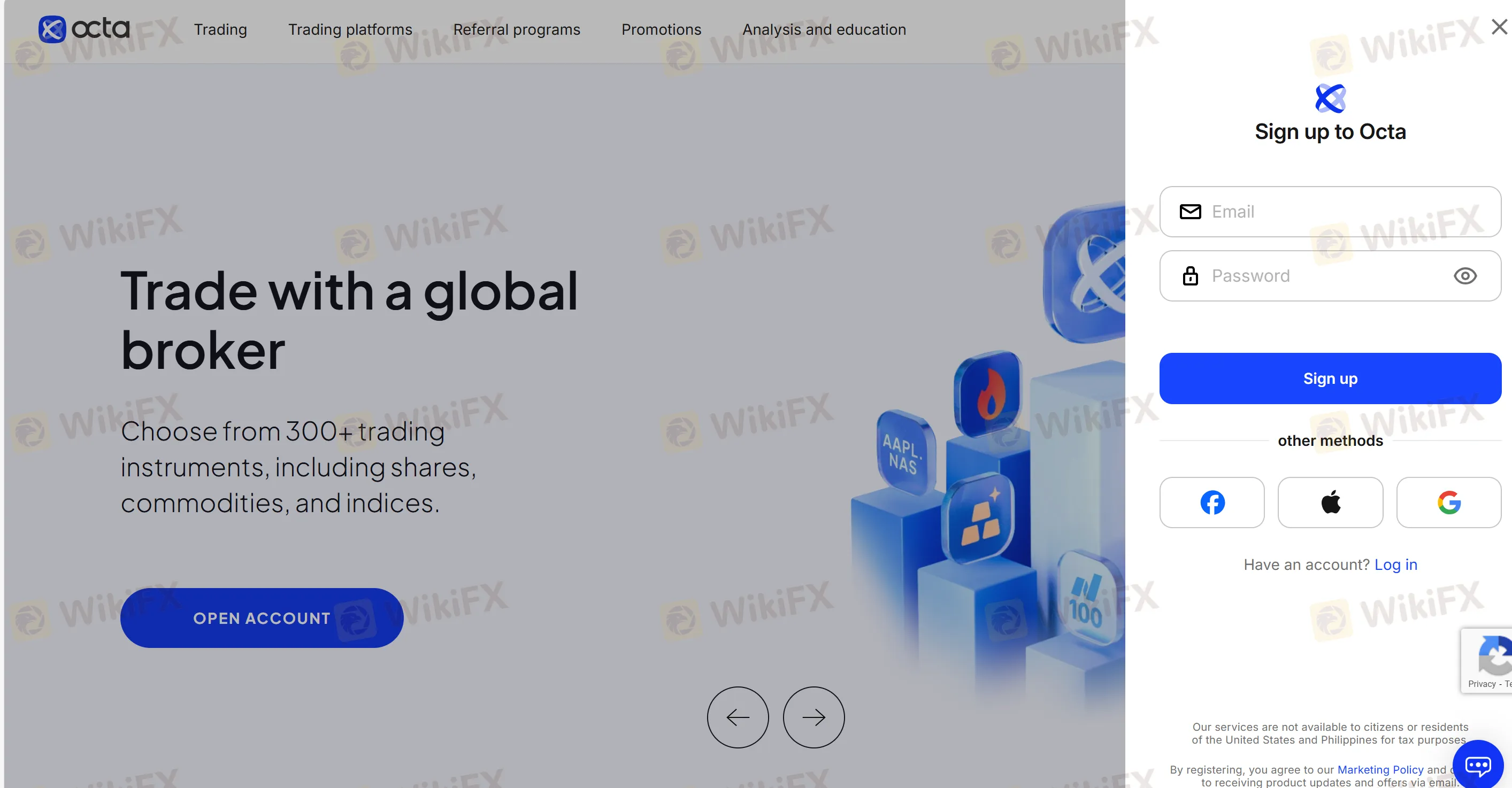
Step 2: Click “OPEN ACCOUNT” or “Sign Up” and enter your name, email, and preferred platform.
Step 3: Confirm your email via verification link.
Step 4: Choose account type (OctaTrader, MT4, MT5) and currency.
Step 5: Submit ID documents if prompted for verification.
Step 6: Fund your account and begin trading.
FAQs about OctaFX Login & Access
Q1: How do I log into my OctaFX account?
You can log in via the web dashboard or the OctaFX app using your registered email and password.
Q2: What if I forgot my password?
Use the “Forgot Password” link on the login page to reset securely.
Q3: Can I access my demo and real accounts simultaneously?
Yes, you can switch between accounts within the app or platform.
Q4: Is mobile login secure?
Yes. All apps are SSL-encrypted with optional two-factor authentication.
Q5: Can I use the same credentials on mobile and desktop?
Yes. Your login credentials work across all devices.
Disclaimer:
The views in this article only represent the author's personal views, and do not constitute investment advice on this platform. This platform does not guarantee the accuracy, completeness and timeliness of the information in the article, and will not be liable for any loss caused by the use of or reliance on the information in the article.
WikiFX Broker
Latest News
Exclusive Capital Review: Regulated by CySEC, but Traders Report Withdrawal Problems
WikiFXDFSA warns of scam cloning authorised firm Menhir Capital
WikiFXRinggit jumps 225 pips as US data cools Fed hike bets
WikiFXNAFEM turnover hits $1.41bn, highest in five weeks
WikiFXGhana cedi jumps 6.9% against dollar in one week
WikiFXUS Dollar Sinks As Yields Drop
WikiFXRand firms as traders await key inflation read
WikiFXDFSA warns of scam impersonating firm Menhir Capital
WikiFXWarren Bowie & Smith Review 2026: 1.23 Score Raises Red Flags as Withdrawal Complaints Grow
WikiFXTrump bemoans Fed interest rate policy, says U.S. should be paying much less
WikiFX