

Global Broker Regulation Inquiry App
About WikiFX
English
简体中文
繁體中文
English
Pусский
日本語
ภาษาไทย
Tiếng Việt
Bahasa Indonesia
Español
हिन्दी
Filippiiniläinen
Français
Deutsch
Português
Türkçe
한국어
العربية
اردو


Questrade Account Login & App Guide: How to Access Your Trading Account?

WikiFX
|


Abstract:Learn how to log into your Questrade account and download the trading app for seamless access.
How Easy Is the Questrade Account and App Login Process?
The login process is straightforward. After registering, you will need to complete the KYC verification process, which typically takes 1-2 business days. Two-factor authentication (2FA) is available for added security.
Step-by-Step Guide to Questrade Account Registration
Step 1: Visit the website: Go to Questrades registration page (https://login.questrade.com/account/login).
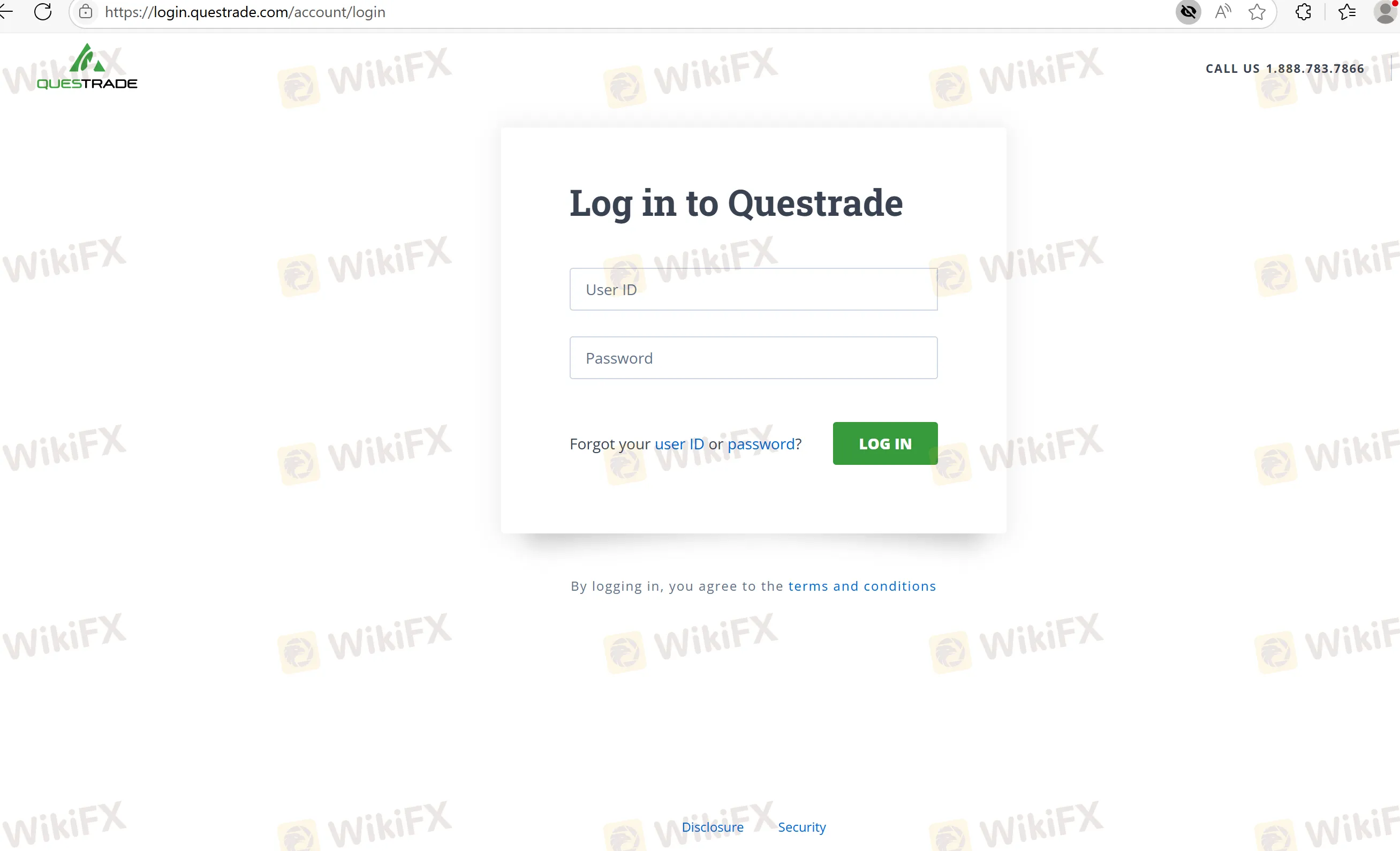
Step 2: Fill out the form: Provide your personal information, including address and contact details.
Step 3: Upload documents: Submit identification for KYC verification.
Step 4: Enable 2FA: Set up two-factor authentication for security.
Step 5: Verify your account: Wait for confirmation of your identity.
Step 6: Start trading: Once verified, you can begin trading.
FAQs about Questrade Login Process
- Is there a mobile app for Questrade login?
Yes, you can log into your account using the QuestMobile app.
- How long does it take to get verified?
Verification typically takes 1-2 business days.
- Does Questrade require two-factor authentication?
Yes, 2FA is available for enhanced security.
- What documents are needed for registration?
You will need a government-issued ID and proof of address.
- Can I access Questrade from multiple devices?
Yes, Questrade supports login from web and mobile platforms.
Disclaimer:
The views in this article only represent the author's personal views, and do not constitute investment advice on this platform. This platform does not guarantee the accuracy, completeness and timeliness of the information in the article, and will not be liable for any loss caused by the use of or reliance on the information in the article.
WikiFX Broker
Latest News
SQUAREDFINANCIAL Review: Withdrawal Requests Go Unanswered as Clients Report Locked Accounts
WikiFXSri Lanka to Criminalize Unauthorized Forex Transfers
WikiFXMiri man loses RM511,406 to fake online investment scheme
WikiFXDFSA warns of scam impersonating firm Menhir Capital
WikiFXWhy Fake Screenshots Make You Feel Like a Losing Trader
WikiFXDFSA warns of scam cloning authorised firm Menhir Capital
WikiFXKATOPRIME Review: Unregulated and Risky, With Withdrawal Complaints to Verify
WikiFXTrump bemoans Fed interest rate policy, says U.S. should be paying much less
WikiFXDFSA Warns of Scam Impersonating Firm Menhir Capital
WikiFXQuotex Review: Regulation Warnings, Broker Complaints, and Blocked Funds
WikiFX